Pipeline pulse
Scans the pipeline each week for stalled next steps, forecast risk and CRM gaps.
How to use it
The steps, in order, from getting it to the first result.
Connect the CRM.
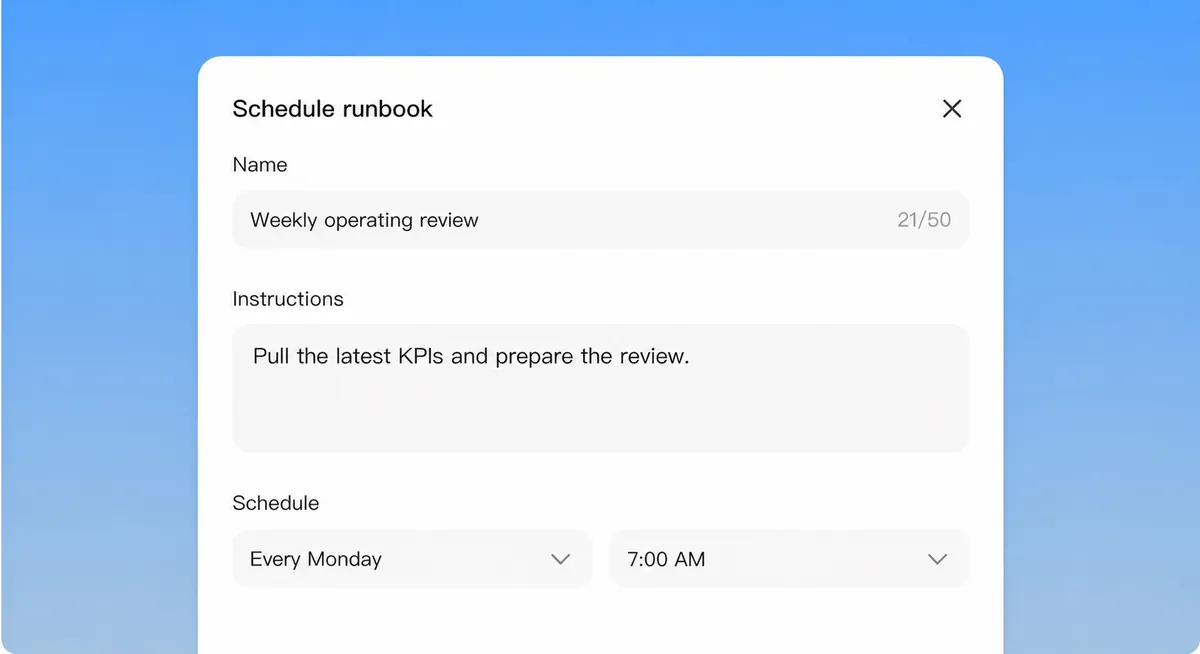
Set the schedule and the channel.
Read the Monday report; approve any record updates.
What it does
Runs every Monday. It reads every open opportunity, compares it to last week, and reports what moved, what stalled and which records are missing a next step, a close date or a champion.
The report goes to a channel and to Drive. Changes it proposes to records wait for approval.
Skills it uses
Spreadsheets
Creates, reads and edits Excel spreadsheets.
Visualize
Draws charts, timelines and comparisons inline in chat.
Connects to

Salesforce
Enrich, update, and report on records under your profile.

HubSpot
Sync contacts, deals, and tickets into the workflow.

Slack
Post briefs and alerts to the right channels.
Built on
- Scheduled runs. Runs on the schedule you set and posts the result.
- Approvals. Waits for a person before anything is sent or changed.



Need it to work differently?
Every template can be changed: the steps it takes, the systems it uses and who approves what.