Everything in Context
Chat, files, agents and the tools they build, in one workspace that runs in your cloud.






Runs in your cloud
Enterprise deployments run in your own cloud: in your VPC, on-premises, or air-gapped. Files are stored in your S3 or MinIO bucket.
How deployment works
Agents act as the person
Every agent run carries the permissions of the person who asked, so it opens what they can open and nothing else.
How permissions workGets better with evals
Every run is scored against your criteria, and the score is fed back into the skill the agent follows next time.
Explore EvalsProducts
One workspace, 31 products


 Context Office


Moments
What a day with Context looks like
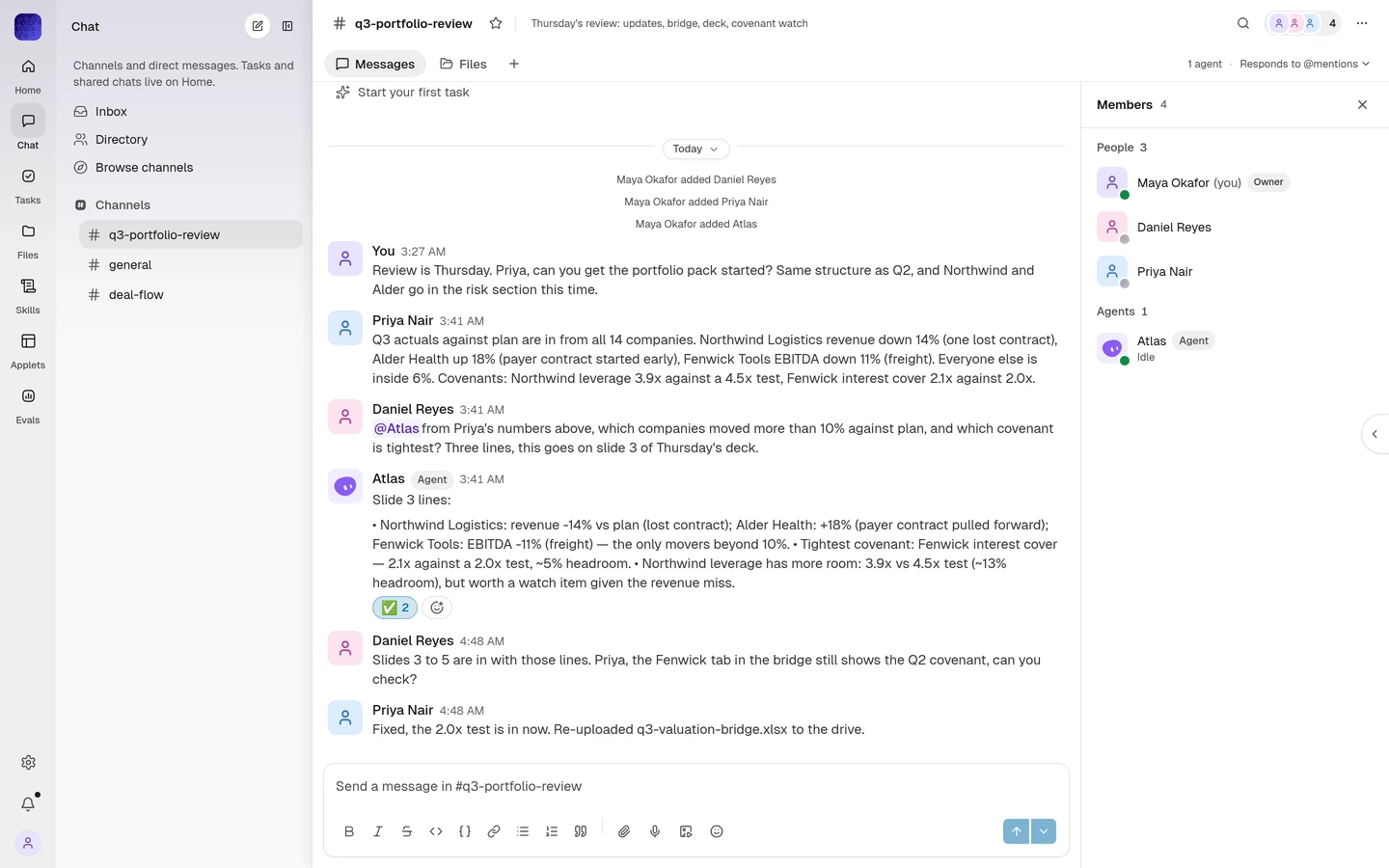 Together
Ask the channel. An agent picks it up.
Mention an agent in Together and it takes the task, posts progress in the thread, and hands back the file.
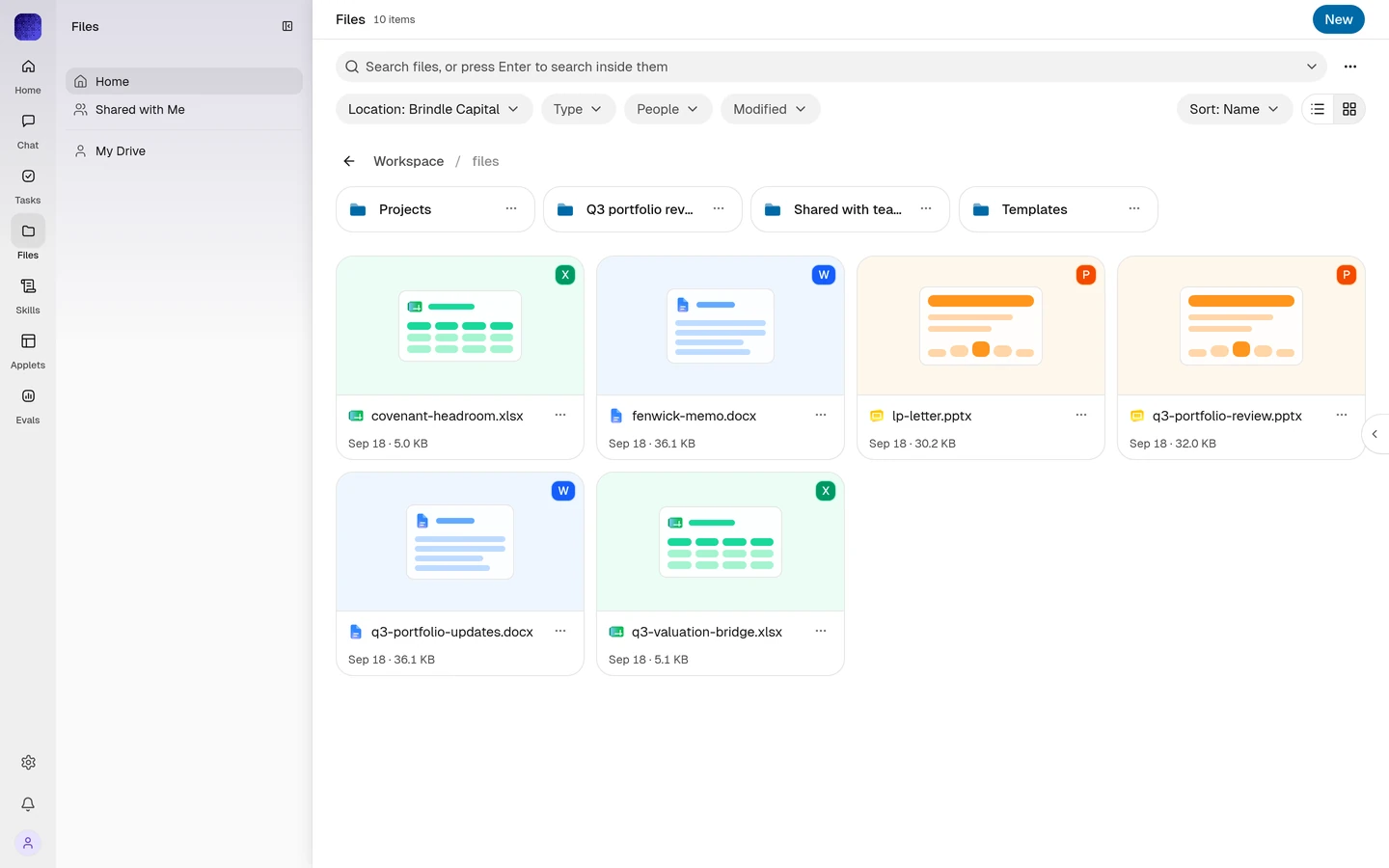 Search
Find the clause, not just the file.
Search reads inside every document you can open, and agents search the same way before they answer.
- Sheets
The model, rebuilt from this week’s updates.
An agent reads the portfolio updates and rebuilds the valuation bridge in Sheets, with each change noted.
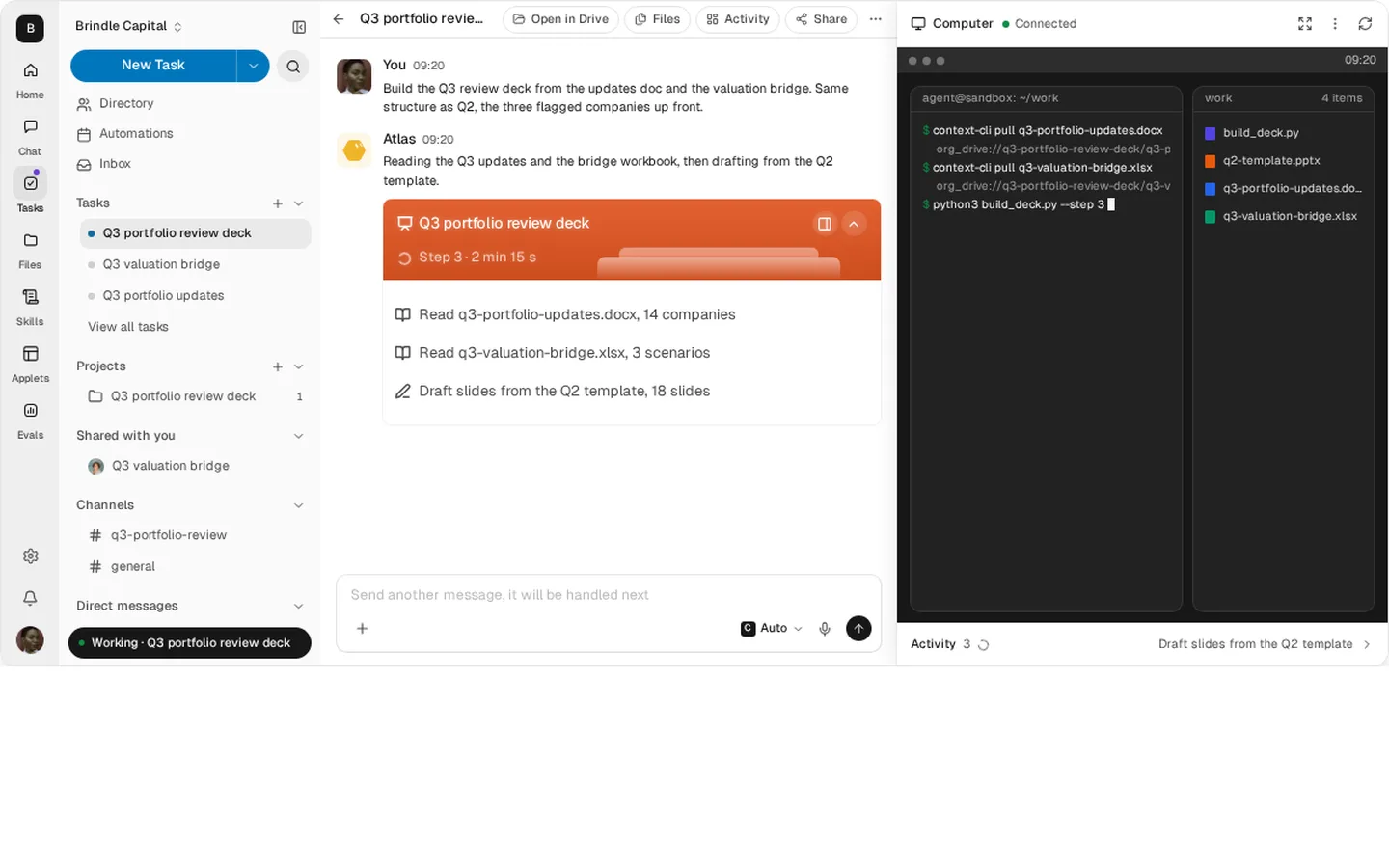 Secure VM
Every task gets its own computer.
Agent work runs in a sandbox on your cluster, under the requester’s permissions, with every action recorded.
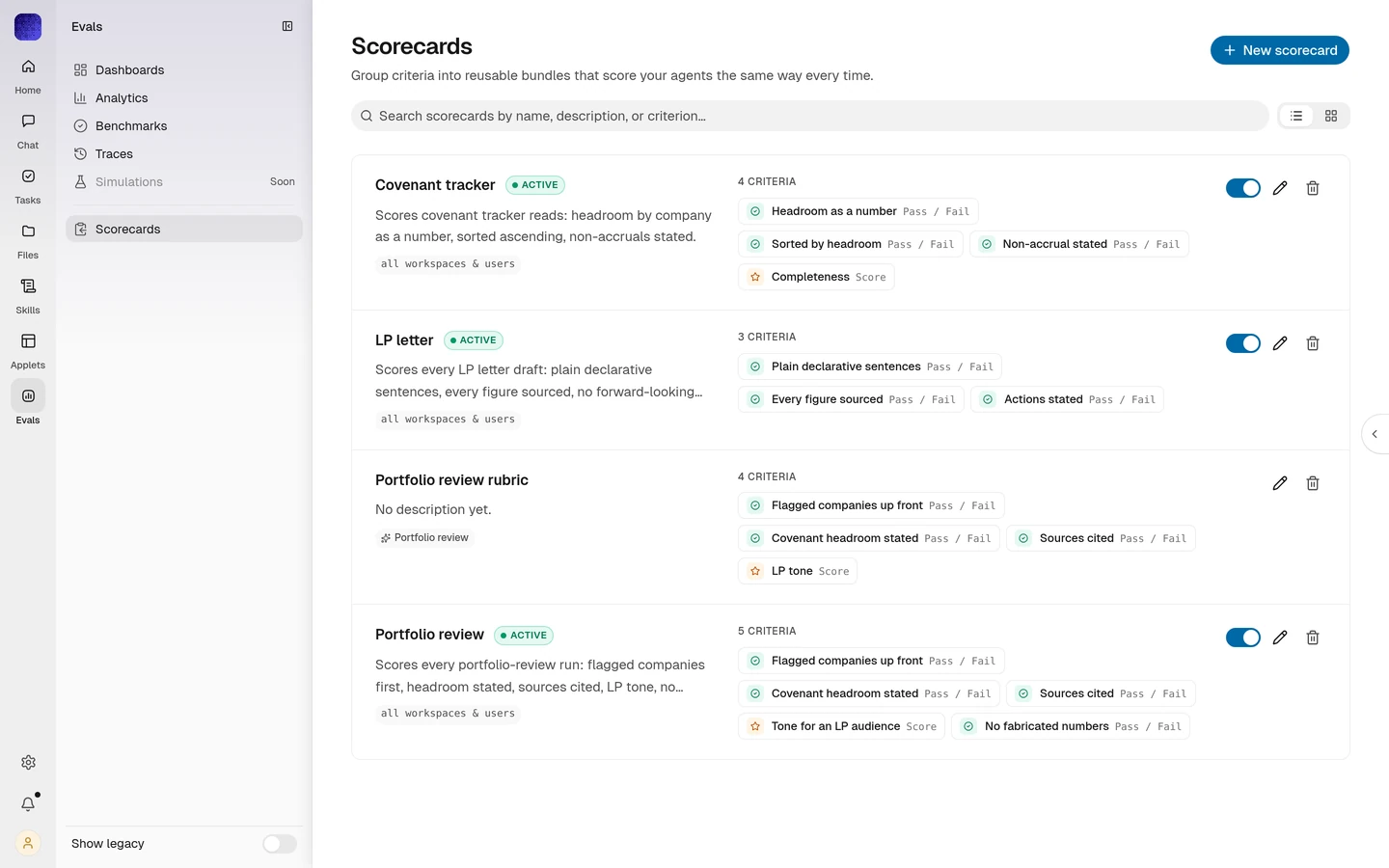 Evals
EvalsFrom 23% to 98% accurate.
Qualcomm scores every run against its own criteria and feeds the result back into the skill.
 Apps
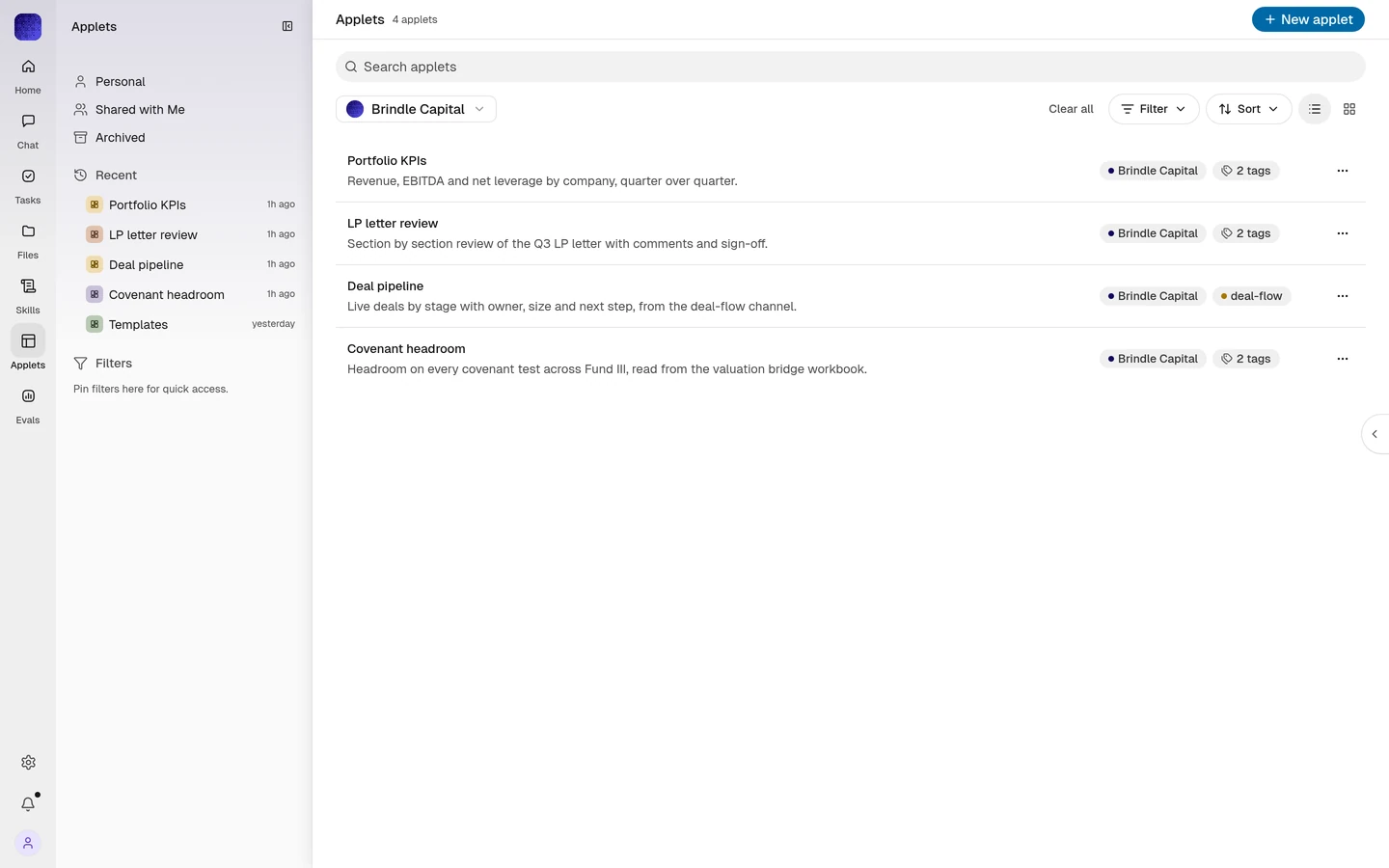
AppsTurn a thread into a tool.
Ask for the covenant headroom view and an applet appears in the channel, built on your live data.
 Skills
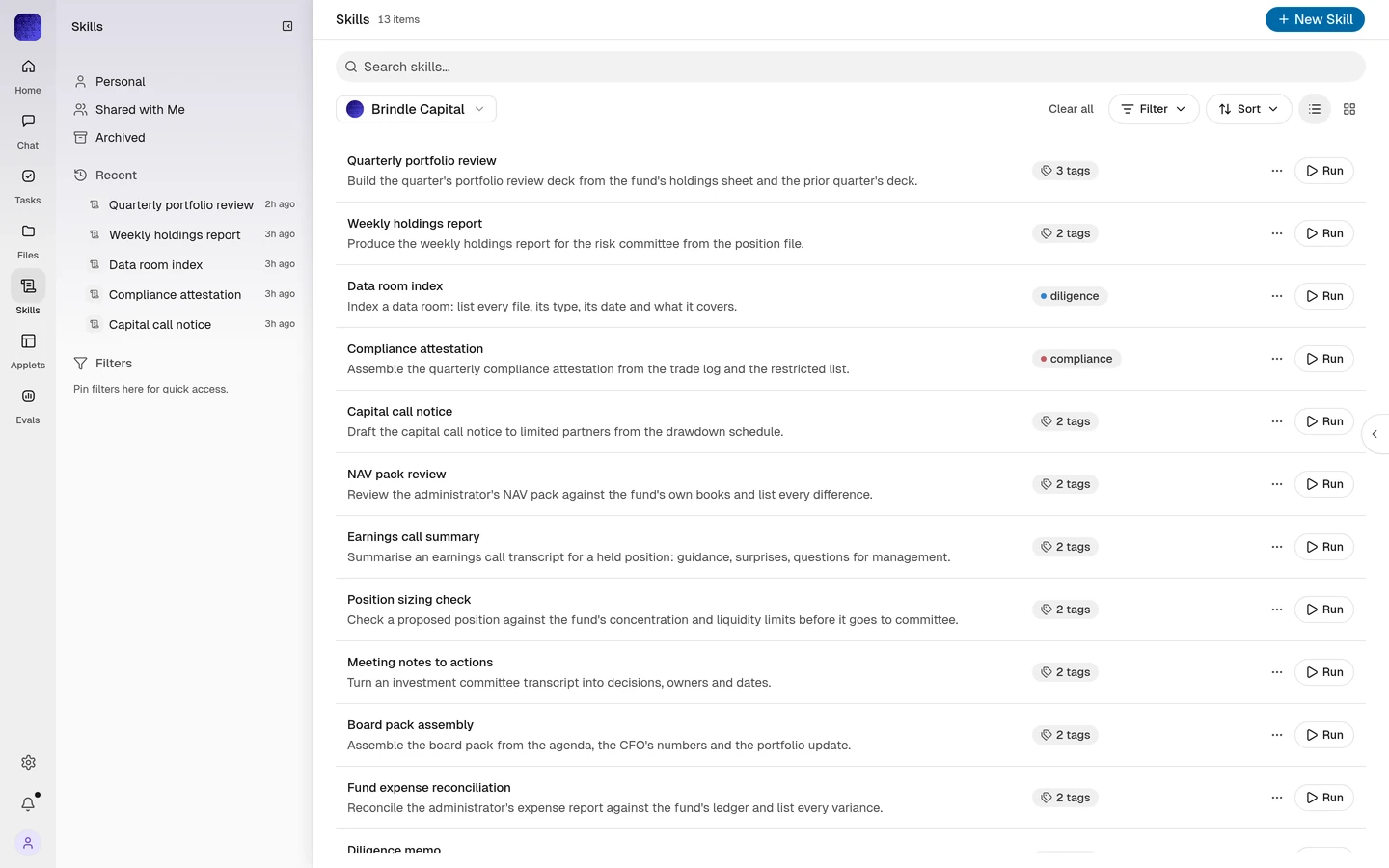
Teach it once. Every agent knows.
Write a procedure as a skill and every agent in the workspace follows it the same way.
- Audit log
Every action on the record.
Who asked, which agent ran, what it opened and what it changed, in one audit log.

 Together
 Search
 Sheets
 Secure VM
 Evals
Evals Apps
Apps Skills
 Audit log
Platform
Four layers under every product


Deployment
Enterprise deployments run in your own cloud
Run Context in your VPC, on-premises, or air-gapped. Files are stored in your S3 or MinIO bucket, and sign-in goes through your identity provider.
- Your VPC
- On-premises
- Air-gapped
- S3 or MinIO
- SSO, SAML, OIDC
- Audit log
Coming soon
In the works, not in the product yet
- Meeting notesNotes from every call
- EmailAgents on email


All products
37 products
- WorkspaceTeam workspace with agents
- EngineAgent runtime
- UnifyCompany data for agents
- EvalsProduction agent evals
- TogetherTeam chat with agents
- InboxMentions and updates
- TeamsPeople and agents
- DriveCloud file storage
- DocsWord processing
- SheetsSpreadsheets
- SlidesPresentations and decks
- PDFsRead and cite PDFs
- SearchSearch across your work
- Context WikiDocs written from work
- AgentsCustom AI agents
- TasksTrack agent work
- ProjectsTeam boards
- AutomationsScheduled agent work
- SkillsReusable agent skills
- ApprovalsApprove agent actions
- AppsInternal tool builder
- Secure VMSandbox per task
- Connectors180+ tool integrations
- MarketplaceAgents, skills, templates
- API and MCPContext in your code
- ModelsModel choice per task
- RLTrain on your traces
- AdminMembers and settings
- Access and SSOSSO, roles, permissions
- Audit logWho did what
- Usage and billingCredits and spend
- Web appAny browser
- DesktopPrivate previewmacOS and Windows
- MobilePrivate previewiPhone and iPad
- Context CodemacOS, Linux, Windows (WSL 2)
- SlackYour Slack workspace
- Microsoft TeamsYour Microsoft Teams tenant


Frequently asked questions
Help CenterWhich products come with Context?
Every product runs on the same workspace, so people, files and agents are shared across all of them. What your plan includes is on the pricing page.
Can an agent read every file in the workspace?
No. An agent works with the permissions of the person who asked, so it can open only what that person can open.
Where are my files stored?
In an enterprise deployment, files are stored in your own S3 or MinIO bucket, inside your cloud.
Is there a desktop or mobile app?
Context Desktop for macOS and Windows and Context Mobile for iPhone and iPad are in private preview. Context Code installs today on macOS, Linux and Windows through WSL 2, and the web app works in any browser.
What does Coming soon mean?
We are building it and it is not in the product yet. Ask us if you want early access.
The latest
All posts- Case studyScaling 1,600 production agent workflows with QualcommAccuracy from 23% to 98% across 85 teams and 2,500 engineers.
- Point of viewOwn your intelligence: the state of enterprise AI in Q3 2026Why the teams getting value keep their models, data and evals in their own hands.
- CompareContext vs Microsoft 365 CopilotWhere each one runs, what agents can do, and how the answers are checked.
- Help CenterGuides for every productSet up your workspace, connect your tools and put your first agent to work.
Put your work in Context
Start with the web app today. Bring your team and your tools.