Account research desk
Researches an account before a meeting and writes the pre-call brief.
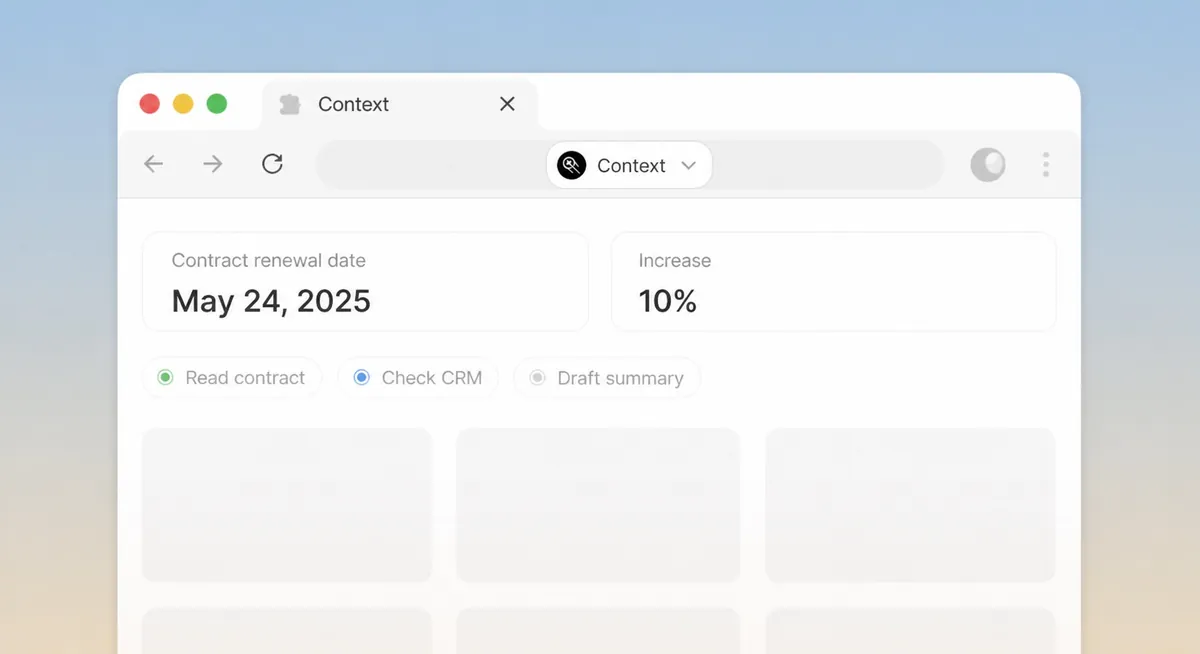
How to use it
The steps, in order, from getting it to the first result.
Connect your CRM and Slack.
Paste an account name or record link.
Read the brief; ask follow-up questions in the same thread.
What it does
Give it a company name or a CRM record. It reads the public web, your CRM history and the last threads with that account, then writes a one-page brief: what changed, who matters, open items and the three questions to ask.
The brief lands in Drive as a document and, if you connect Slack, in the deal channel.
Skills it uses
Connects to

Salesforce
Enrich, update, and report on records under your profile.

HubSpot
Sync contacts, deals, and tickets into the workflow.

Slack
Post briefs and alerts to the right channels.
Built on
- Browser. Reads and acts on websites in a sandboxed browser.
- Data sources. Answers from connected documents with the source cited.
- Drive. Files it produces land in your workspace Drive.



Need it to work differently?
Every template can be changed: the steps it takes, the systems it uses and who approves what.