Back to the marketplace

Outbound prospecting

By Context Template Sales and customers

Builds a prospect list from an ideal customer profile and drafts a first message for each.
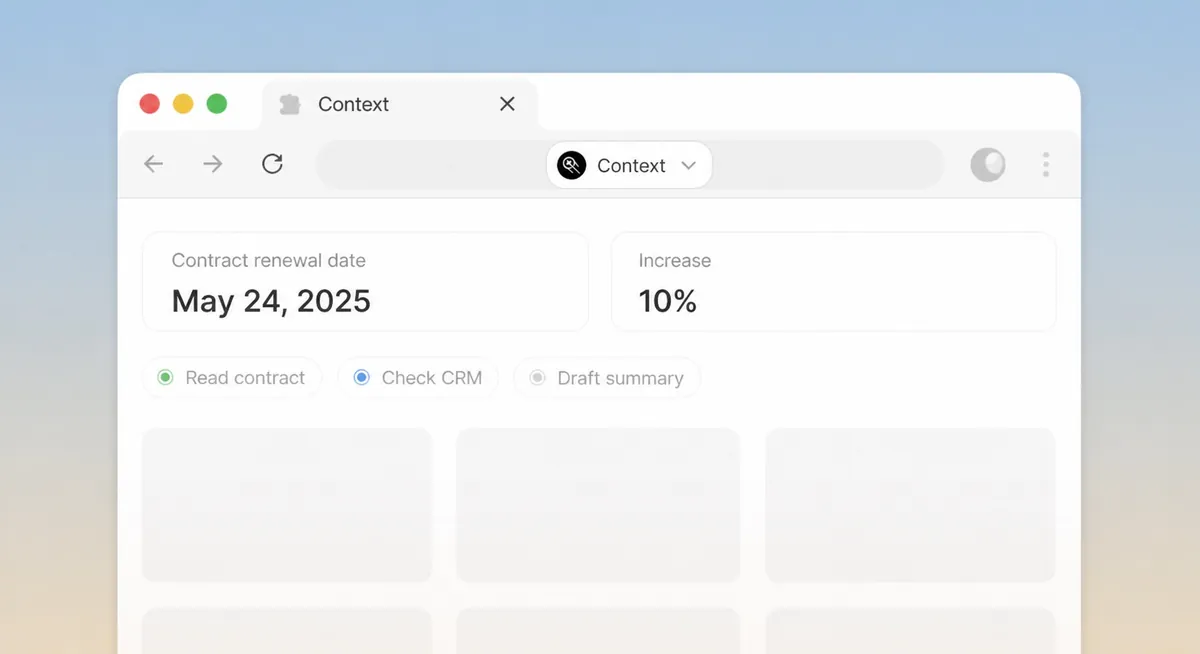
An agent acting in the sandboxed browser
Live workspace demo

What it does

Describe the customer you want. It researches candidates on the public web, checks them against your CRM so you do not contact existing accounts, and drafts a first message for each with the reason it fits.

Drafts are yours to send. Nothing leaves the workspace on its own.

How to use it

  1. 1Write the ideal customer profile.
  2. 2Set the list size and the regions.
  3. 3Review the list and the drafts.

Built from

Workspace features

  • BrowserReads and acts on websites in a sandboxed browser.
  • ApprovalsWaits for a person before anything is sent or changed.

More in Sales and customers

Pipeline, accounts, calls and the people who buy from you.

Account research desk

Researches an account before a meeting and writes the pre-call brief.

By Context Template

Get

Call follow-ups

Turns a call transcript into a recap, the promises made and a dated follow-up list.

By Context Template

Get

Pipeline pulse

Scans the pipeline each week for stalled next steps, forecast risk and CRM gaps.

By Context Template

Get

Deal inspector

Checks each deal against MEDDIC, BANT or your own process and shows what is missing.

By Context Template

Get

Customer proof desk

Turns call notes into case studies and proof points, with quotes kept word for word.

By Context Template

Get

Support inbox assistant

Drafts answers to product questions from your docs; nothing is sent without you.

By Context Template

Get

Customer experience

CX scoring & churn signals

By Context Agent

Get

Citizen services

Intake, routing & response

By Context Agent

Get

Client QBR prep

Quarterly reviews in minutes

By Context Agent

Get

Policyholder updates

Process & communicate changes

By Context Agent

Get

Runs inside your perimeter, under your permissions.