Back to the marketplace

Ad spend watch

By Context Template Marketing and content

Watches ad spend and results daily and flags what is breaking before it burns budget.

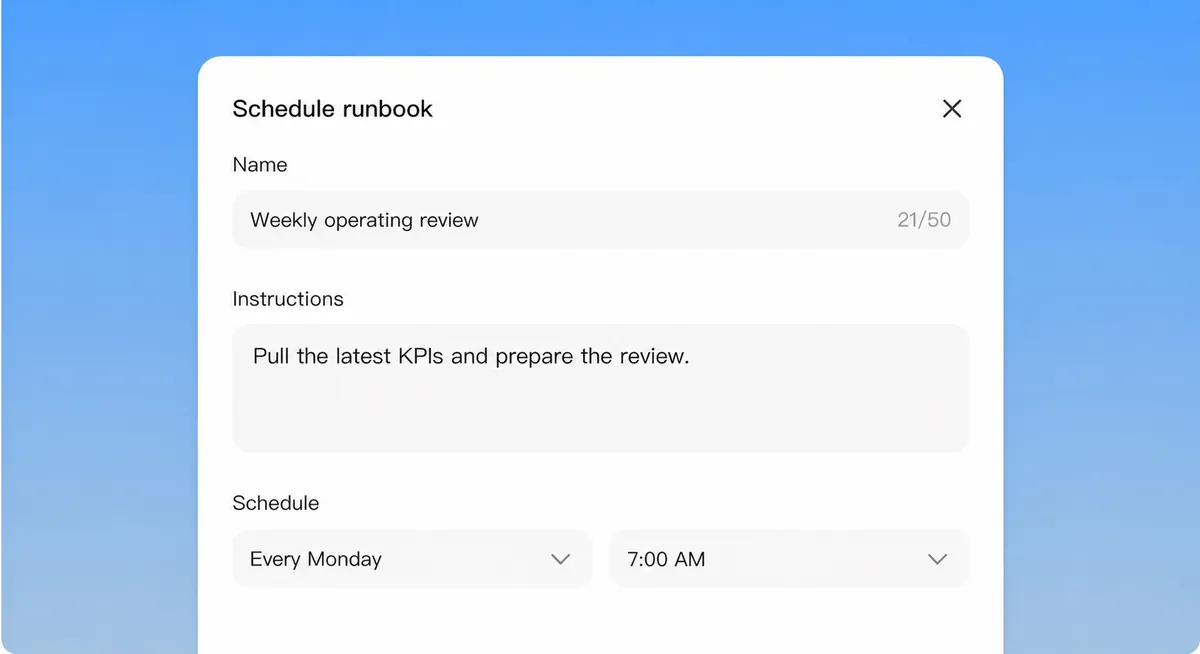
Scheduling a runbook in the Context workspace
Live workspace demo

What it does

Reads the daily exports, compares each campaign to its own baseline, and posts an alert when spend, cost per result or conversion rate moves outside the band you set. Pausing anything waits for a person.

How to use it

  1. 1Choose the export folder.
  2. 2Set the bands per campaign.
  3. 3Act on the alerts in the channel.

Built from

Workspace features

  • Scheduled runsRuns on the schedule you set and posts the result.
  • ApprovalsWaits for a person before anything is sent or changed.

More in Marketing and content

Briefs, copy, campaigns and the reporting behind them.

Content brief desk

Turns keywords into content ideas and writer-ready briefs for search and AI answers.

By Context Template

Get

Copy editor

Rewrites drafts so they read plainly, keeps your voice and shows every change.

By Context Template

Get

Paid media report

Turns Google Ads, Meta and LinkedIn exports into one weekly report with commentary.

By Context Template

Get

Lead pipeline desk

Scores inbound leads, merges duplicates, assigns an owner and flags what is stuck.

By Context Template

Get

Site audit

Audits a site for search, speed, accessibility and schema, with evidence for each finding.

By Context Template

Get

Event producer

Turns event details into a run of show, guest list and day-of checklist.

By Context Template

Get

AI search visibility

Checks whether AI assistants and search recommend you, and who they name instead.

By Context Template

Get

Runs inside your perimeter, under your permissions.