Back to the marketplace

Video templates

By Context Applet Media and design

Three video archetypes: product demo, feature announcement and logo bumper.
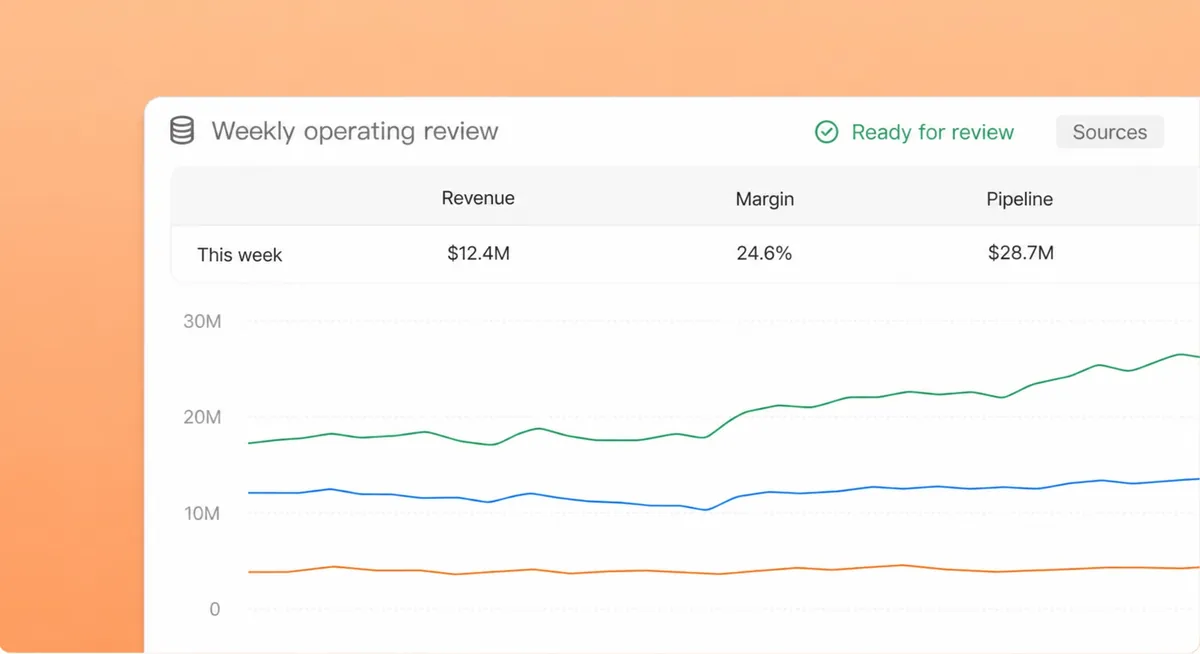
Deliverables produced by an agent in the workspace
Live workspace demo

What it does

Each archetype carries a length range, a use-for note and an avoid-for note, and starts a render session instead of a file copy.

How to use it

  1. 1Open Templates and choose Video.
  2. 2Pick the archetype.
  3. 3Paste the script; download the MP4.

Built from

Skills

Workspace features

  • AppletsOpens as an app inside the workspace.
  • SandboxesRuns code and tools in an isolated sandbox.

More in Media and design

Images, video, style guides and design review.

Stills desk

Makes hero images, thumbnails and product shots from a brief, sized for where they go.

By Context Template

Get

Product demo video

Renders a product demo video from a script and your screenshots.

By Context Template

Get

Design critique

Turns a screenshot or a Figma link into a design critique with ranked, concrete fixes.

By Context Template

Get

Style guide desk

Turns a concept into a style guide, palette and prompt sheet for your image tools.

By Context Template

Get

Design

Designs decks, slides and graphics with you, live in chat, and exports on request.

By Context Skill

Get

Creative media

Makes images, animations and motion pieces from a brief.

By Context Skill

Get

Video

Authors and renders an MP4 frame by frame from a script.

By Context Skill

Get

Runs inside your perimeter, under your permissions.