Spreadsheet templates
Twenty-seven Excel starting points: budgets, trackers, dashboards and plans.
How to use it
The steps, in order, from getting it to the first result.
Open Templates and choose Spreadsheets.
Pick the template.
Describe the data; download the .xlsx.
What it does
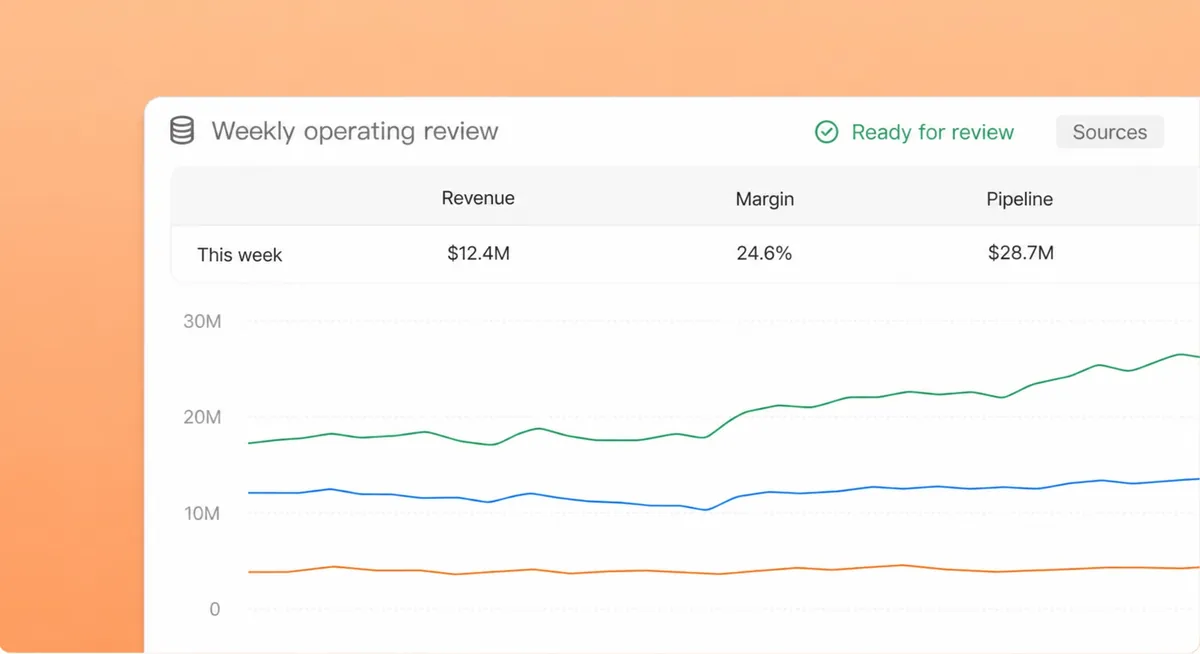
Budget tracker, KPI dashboard, revenue dashboard, balance sheet, timesheet, inventory tracker, project plan, resource allocation, decision matrix, media plan, event plan and more.
Skills it uses
Built on
- Applets. Opens as an app inside the workspace.
- Drive. Files it produces land in your workspace Drive.
Need an applet of your own?
Tell us what it should do and we will build it inside your workspace.